How to use
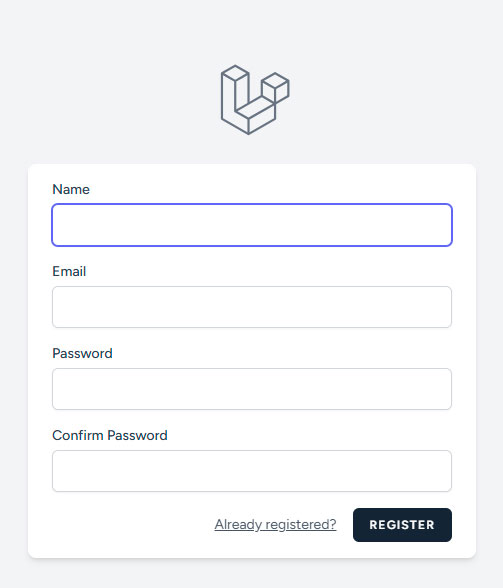
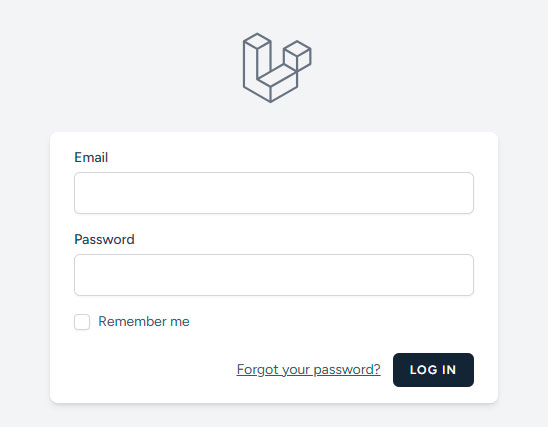
Create an account, verify your email, and log in to the website.
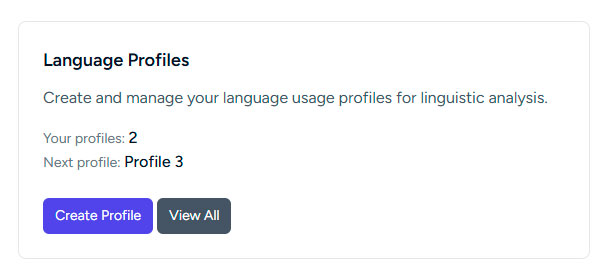
Create a language profile.
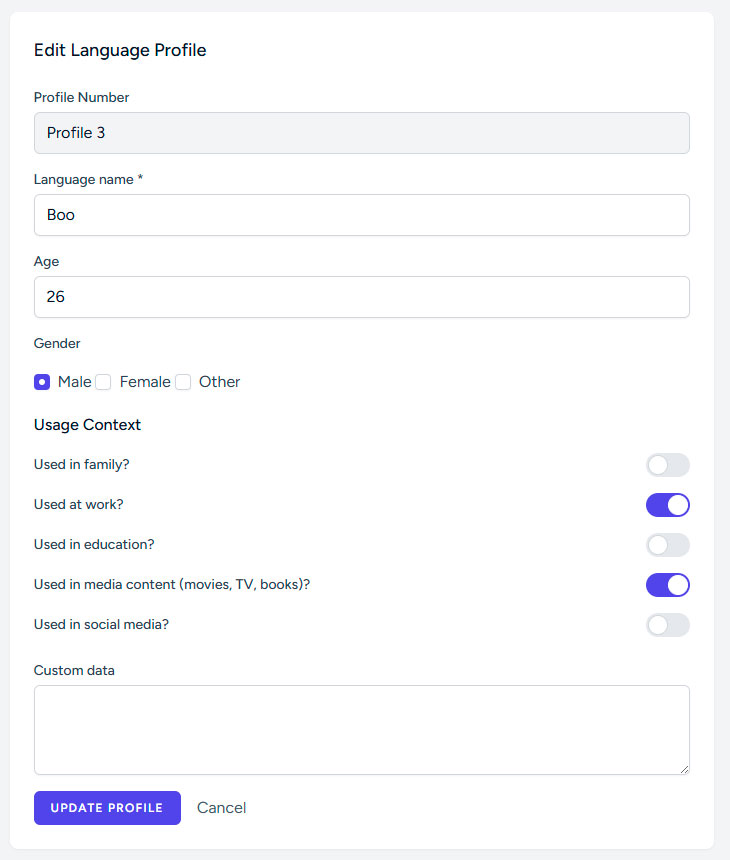
This can be your own profile or that of another person who has agreed to take part in the study.
Enter the name of the language for this profile and fill in the short sociolinguistic questionnaire (age, gender, and where the language is used: at home, at work, in education, etc.).
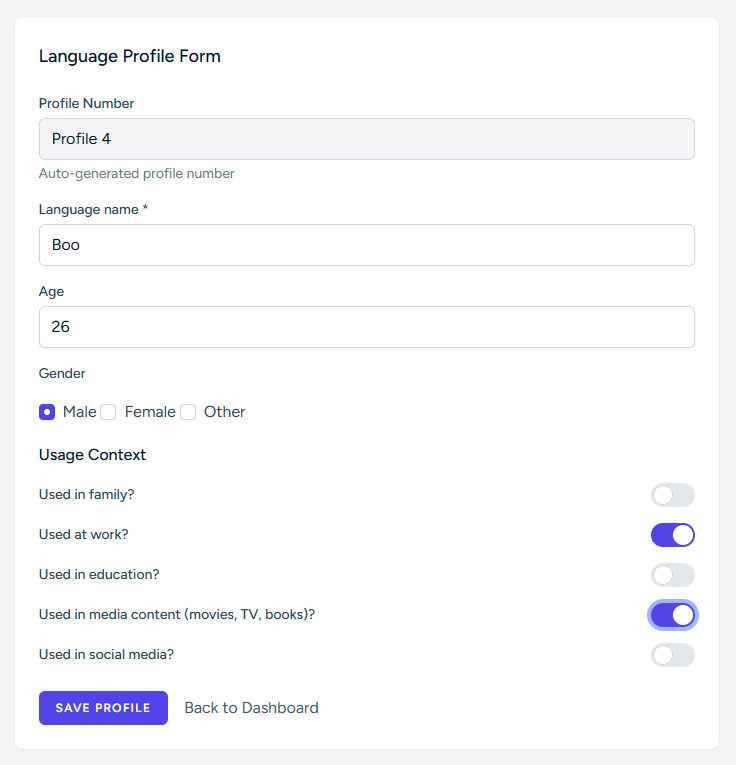
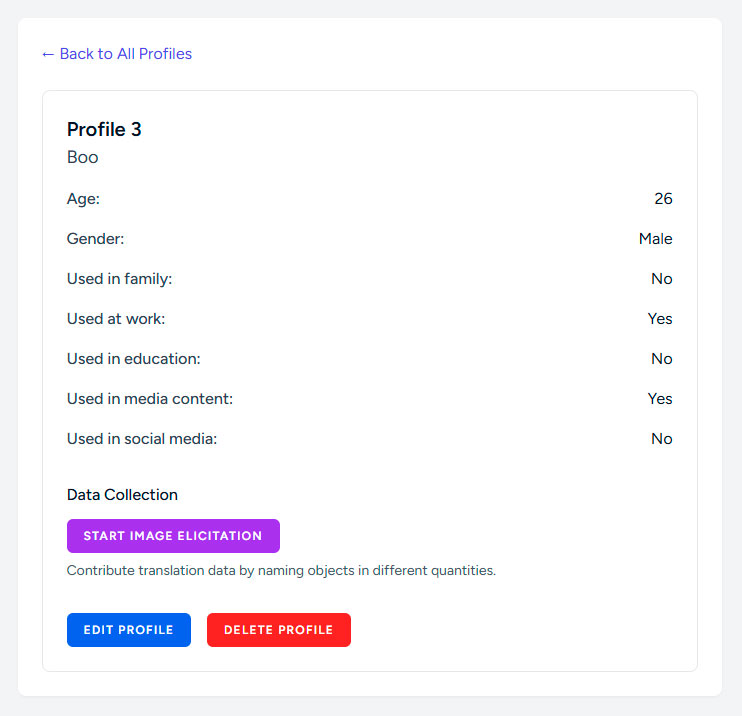
After saving, the new profile will appear in the list of your language profiles on your account.
Click “Start image elicitation” to begin.
You will see a list of objects.
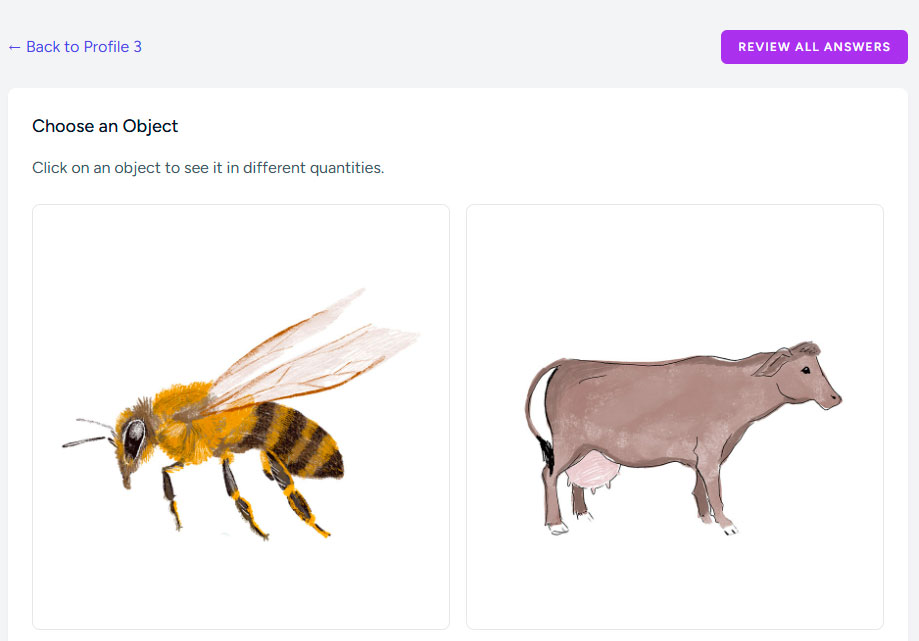
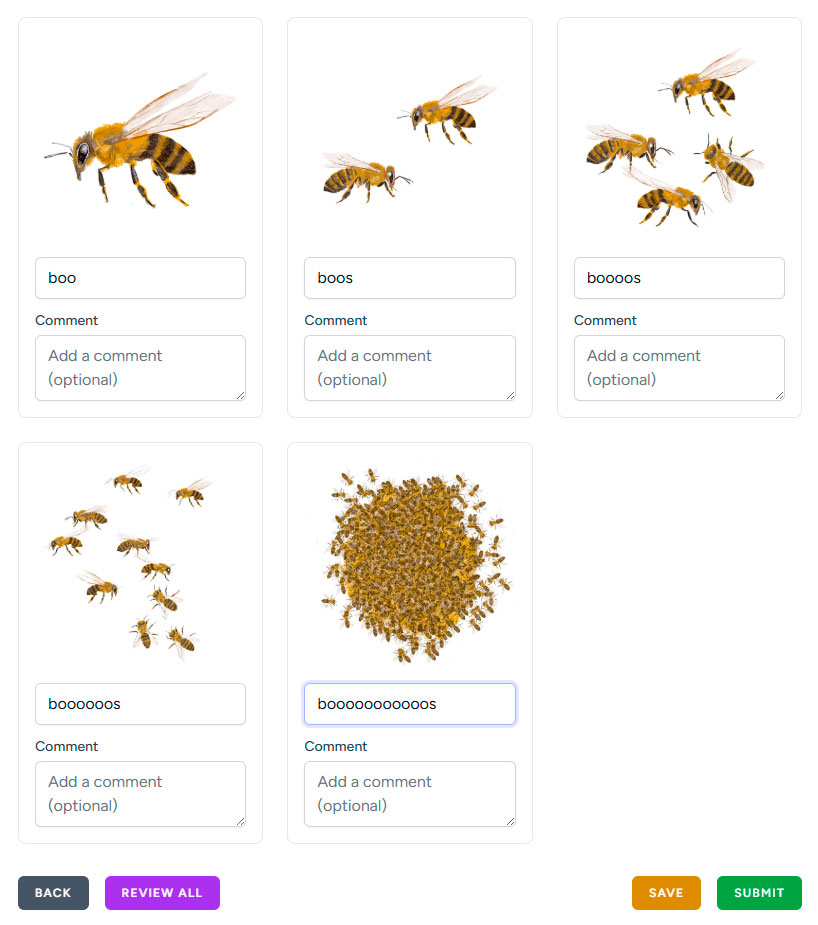
When you click on an object, you will see several images showing different quantities of it.
Under each image, type how your language profile would name it.
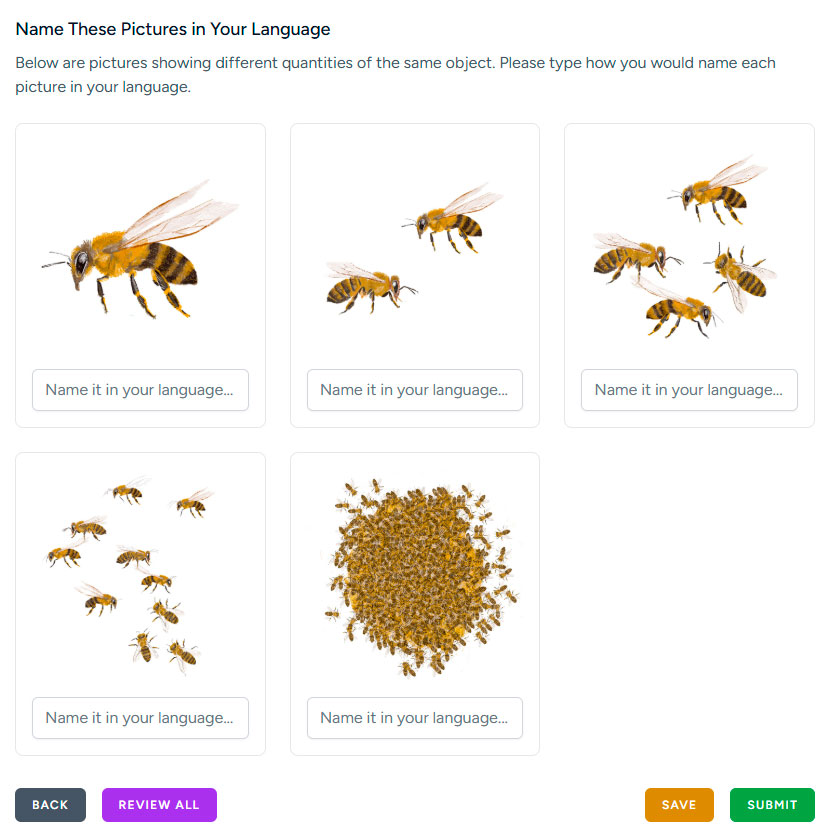
You can save your current results to continue later, or submit them immediately.
Submitted answers are stored in the shared research database and can later be downloaded from the project website.

After that you can later return and complete your answers using comments.
Add your own examples. If you want to share additional examples or contexts that were not included in the test images, you can return to edit your language profile and add them in the “Custom data” section.